
Demos
All media is generated by demo/capture.mjs (Playwright). The DevTools pane is the real Chromium DevTools, Network tab filtered by Fetch/XHR.
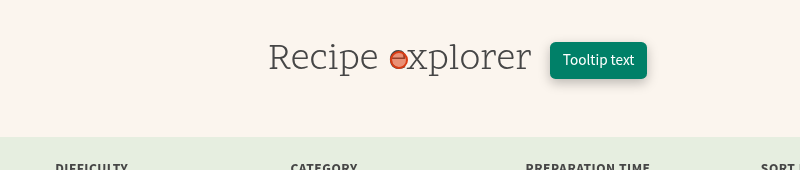
Recipe explorer with DevTools
Search, difficulty, category and preparation time filters, sorting and pager. Every change is one fetch to /api/recipes (a views_better_rest display). The state is mirrored in the URL.
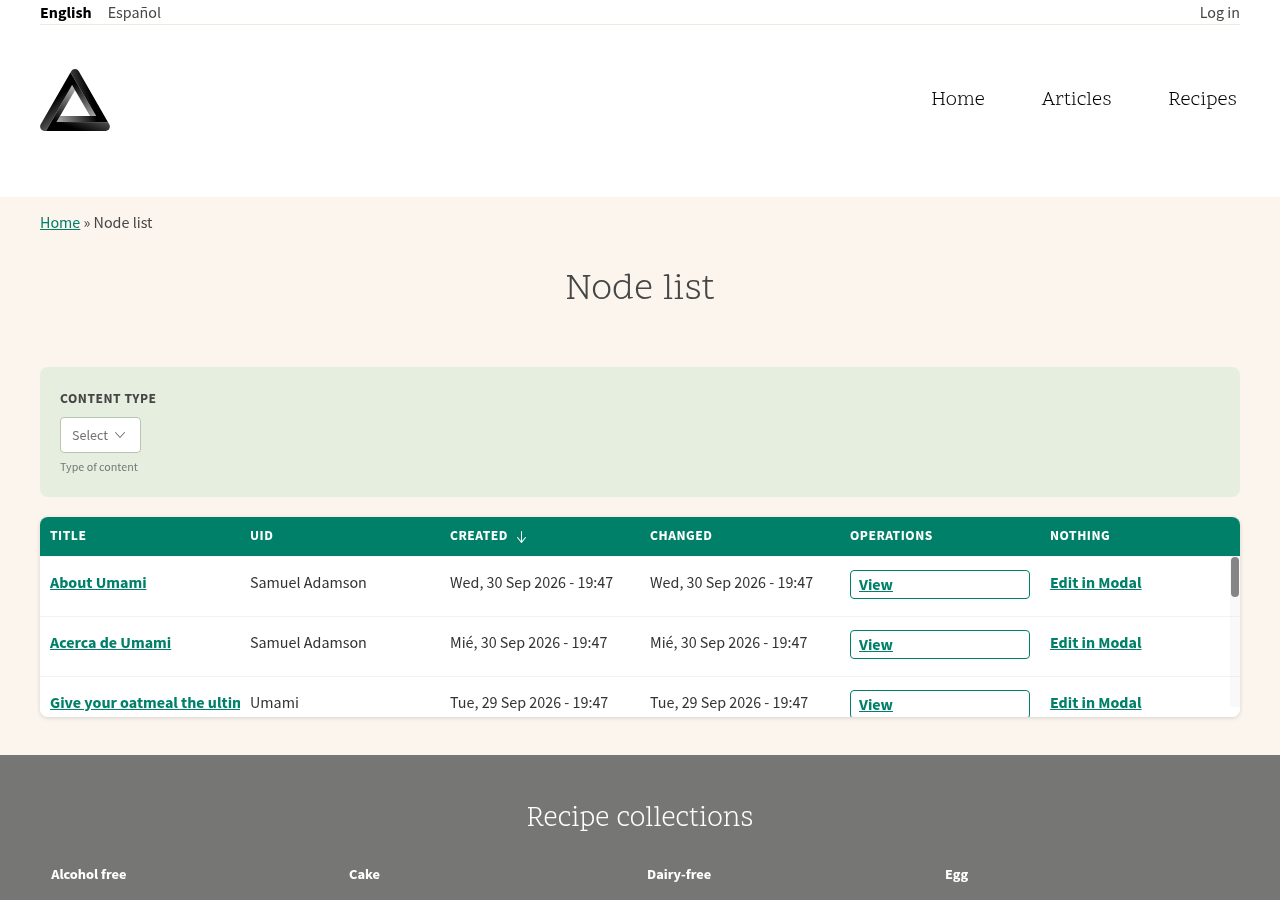
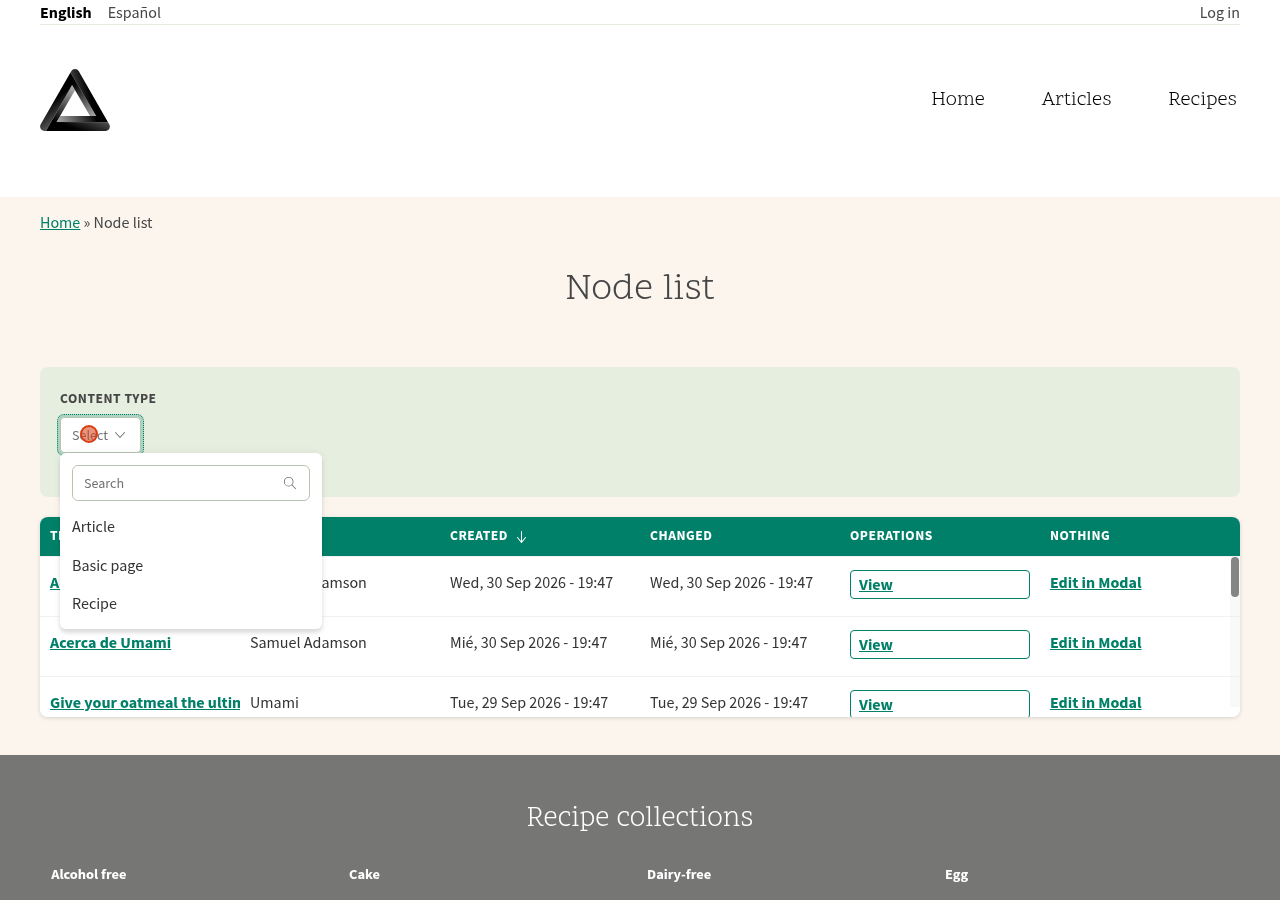
Node list: table, filter and "Edit in Modal"
The table is a React component, the "Edit in Modal" link is plain Drupal ajax (use-ajax) inside the React markup. DevTools shows the node?... fetches and the edit?_wrapper_format=drupal_modal XHR.
Screenshots
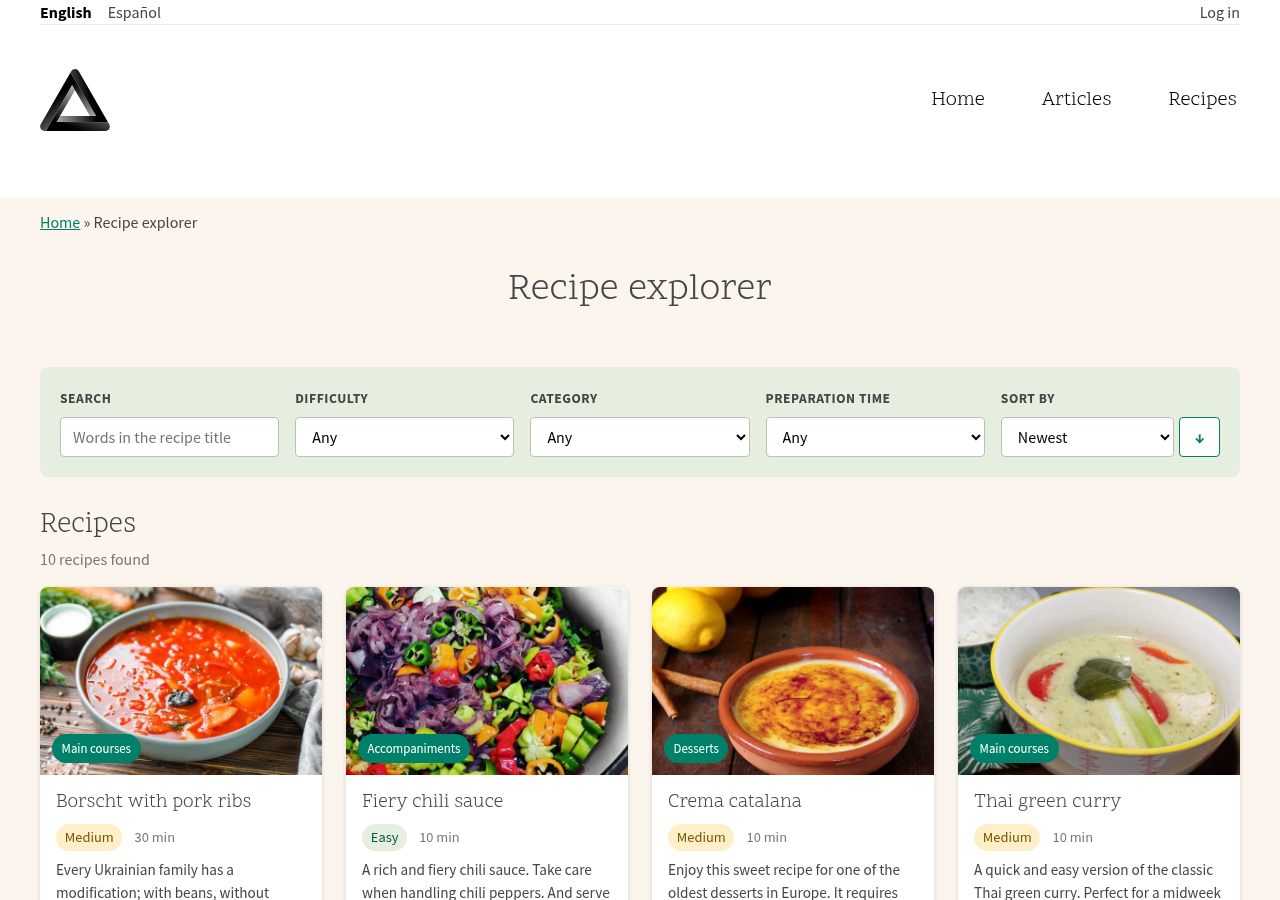 | 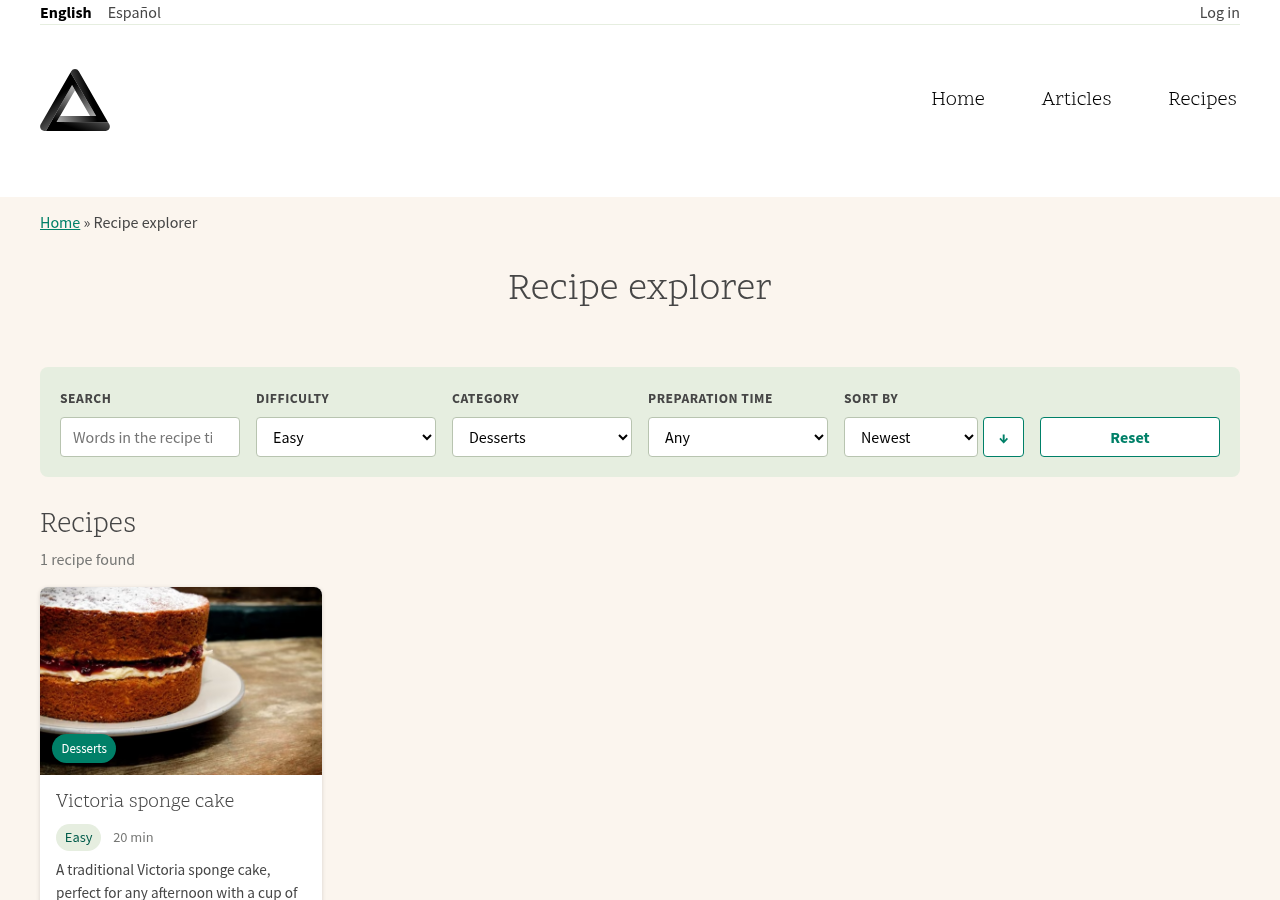 |
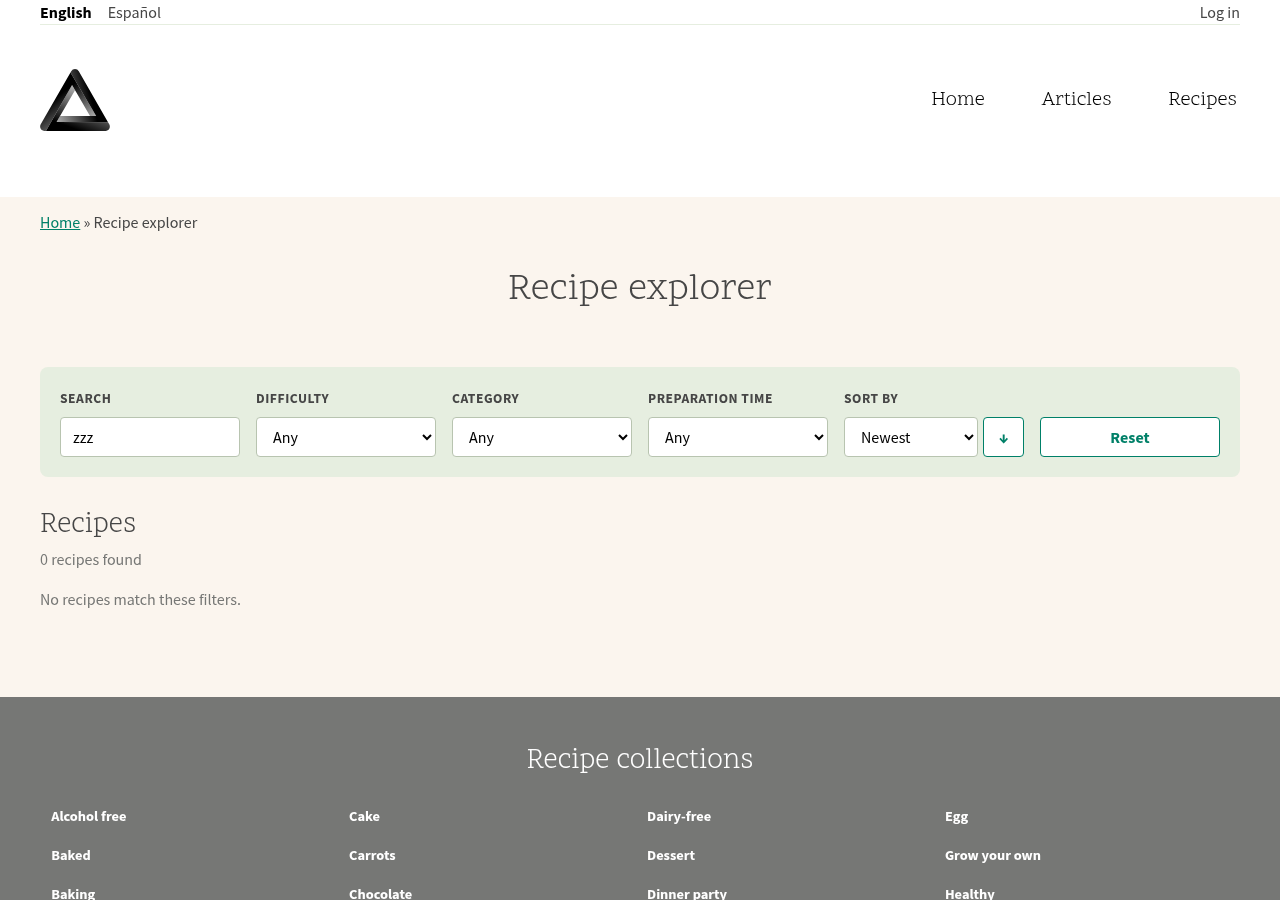 | 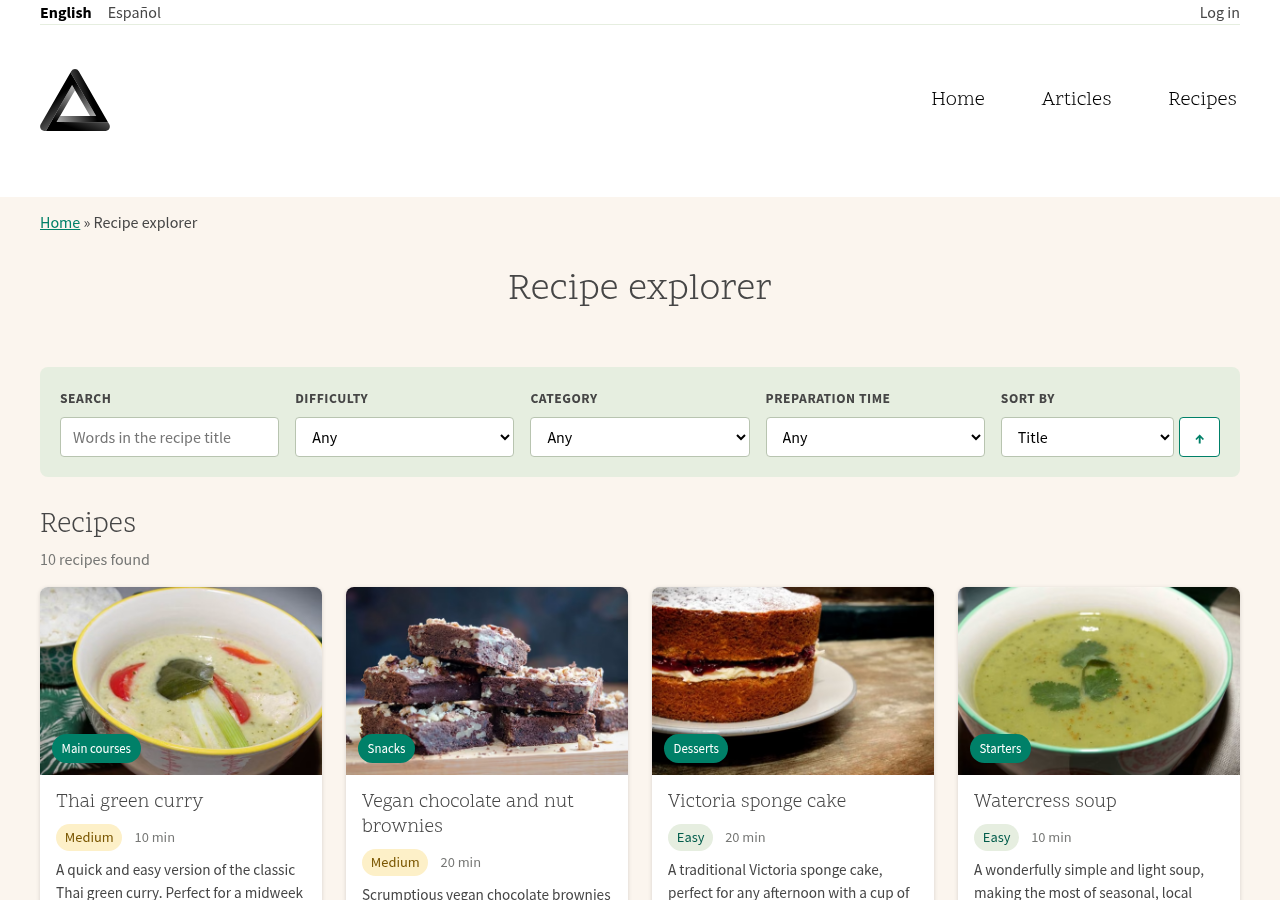 |
 |  |
 |  |
Regenerate
With the theme installed and built on a site that has the demo content (demo_umami), from the theme folder:
bash
npm run dist
npx playwright install chromium
BASE_URL=https://your-site.example npm run demo
Needs ffmpeg. The modal demo logs in as admin / admin, so create that user on your demo site.